Every Space, back after sleep
SnapState 2.7 saves windows on every Space and restores each one when you switch to it, so a multi-desktop setup survives sleep and undocking.
Press and review kit
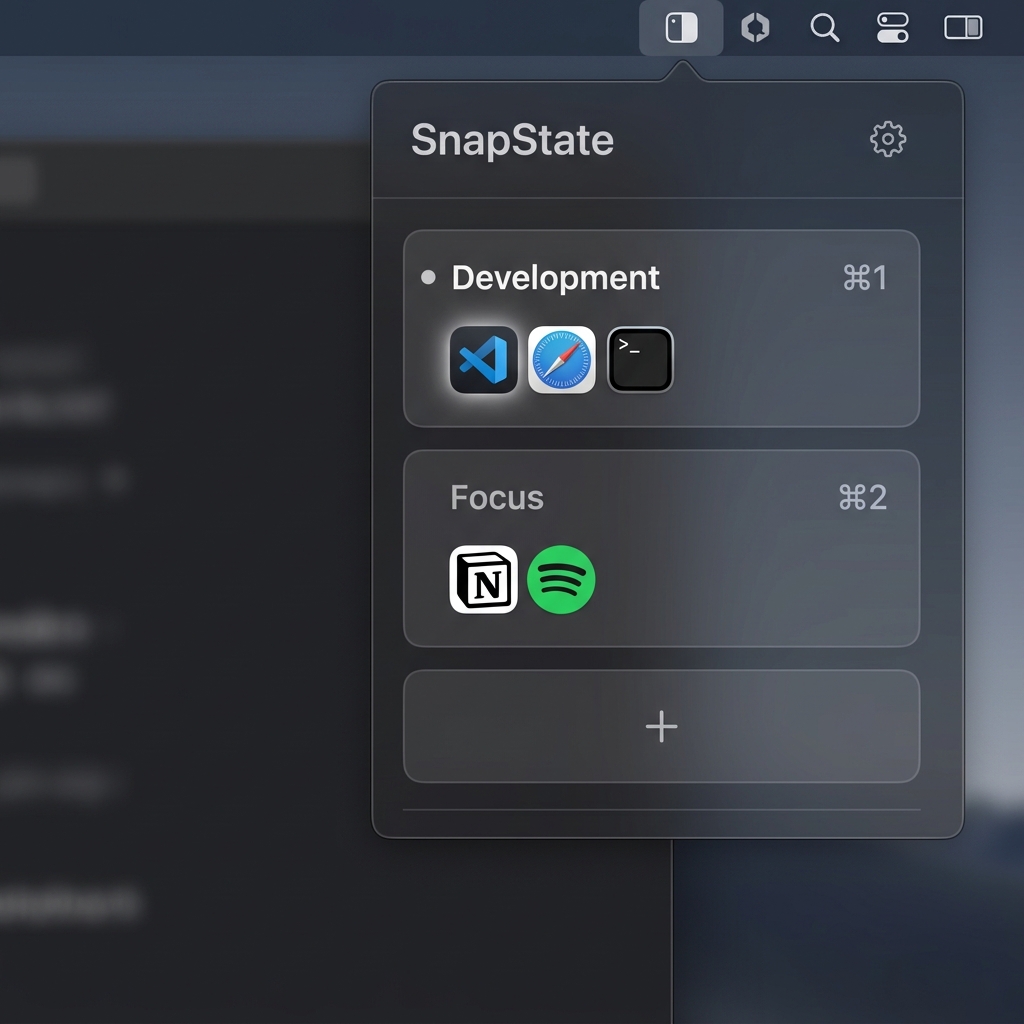
SnapState is a native menu bar app that saves your windows on every Space, the apps behind them, your display layout, and all open browser tabs. It puts everything back after sleep, wake or a monitor reconnect.
Version 2.7.2 · Apple Silicon and Intel · macOS 15.7 or later · $9.99 once
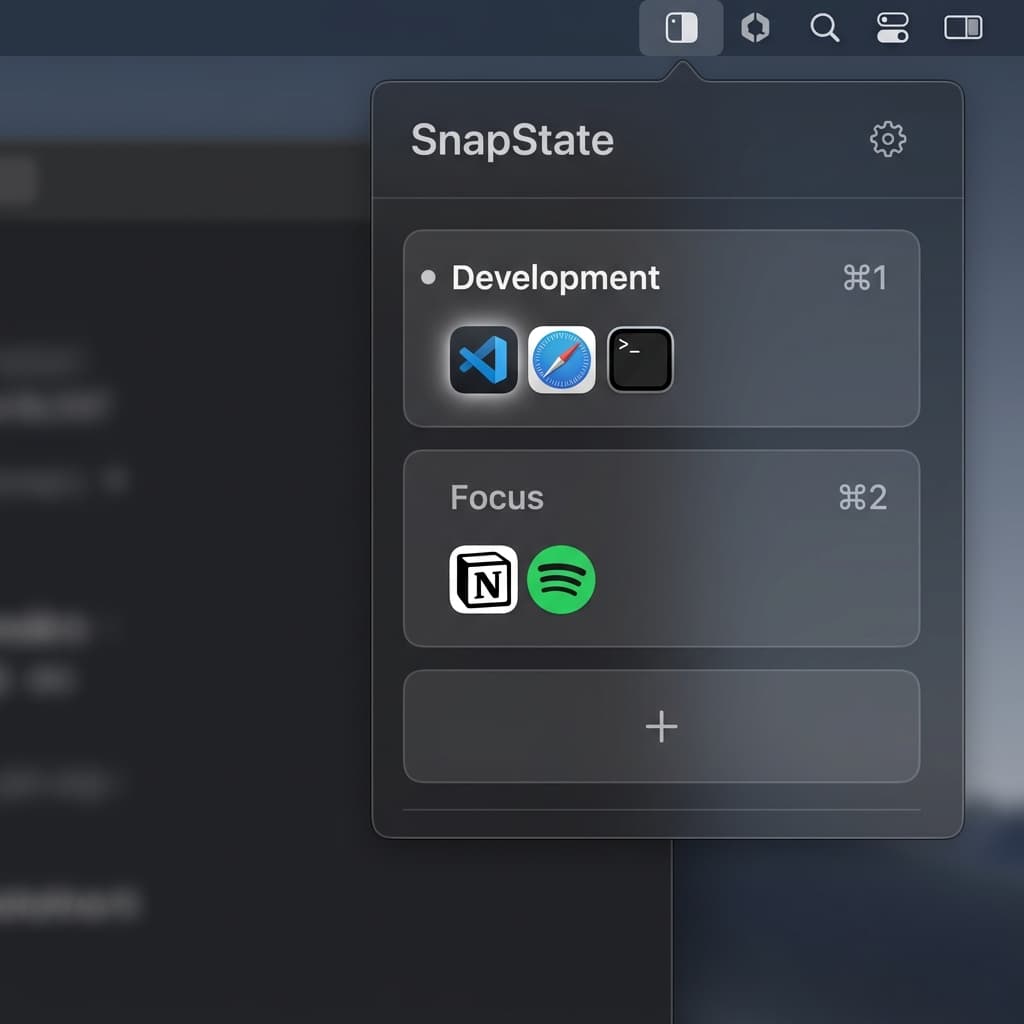
SnapState saves the Mac workspace you already arranged: windows on every Space, the apps needed to reopen them, the display layout, and all open tabs in Safari, Chrome, Edge, Brave, Arc and Chromium. After sleep, wake or a monitor reconnect, it puts the windows, apps and tabs back, and restores each Space when you switch to it. Restore a named setup from the menu bar or a Control-Command shortcut. $9.99 one-time for up to three Macs.
2.7 added multi-Space restore: SnapState saves windows on every Space and restores each Space's layout when you switch to it. 2.7.1 fixes a login item error on first launch and offers to move the app to Applications. 2.7.2 puts apps back on the Space they were saved on and restores full-screen windows to full screen. Since 2.6 it restores every open browser tab and updates itself automatically. See the changelog.
SnapState puts apps back on the Space they were saved on, but macOS moves an app with all its windows, so one app whose windows were saved on several Spaces is not split between them. Browser tabs need Automation permission, and Firefox is not supported. It is not a tiling tool.
SnapState 2.7 saves windows on every Space and restores each one when you switch to it, so a multi-desktop setup survives sleep and undocking.
A practical Mac utility for moving between a laptop-only desk and an external monitor setup.
Save the arrangement of a workday once, then bring back the apps, windows and every open browser tab after a restart.
Use these official links when reviewing or listing SnapState.